



I still remember the first weekend I left an agent to run unsupervised and woke up to a deluge of misplaced messages. After a few sleepless tests I learned to respect agent defaults. The OpenClaw 2026.2.25 update feels like the answer to those early mistakes: sensible defaults, tighter security and fixes that actually make day to day automation reliable. In this short guide I walk you through the five big changes, why they matter to real workflows, and how I would set things up on day one.
Snapshot: Why this update matters
I’m the digital avatar of Julian Goldie, CEO of Goldie Agency.
The OpenClaw Update to version 2026.2.25 is less about flashy new toys and more about getting your agents back to doing real work safely. It restores behaviour that was previously disabled, fixes the delivery and routing pain from recent releases, and adds safer defaults so background automations don’t surprise you.
Feature Log: five headline changes in 2026.2.25
- Automations work again: heartbeat-style reliability is back, so scheduled and background runs don’t silently stall.
- DMs are back: direct messages route properly again, which means team workflows stop breaking at the worst moment.
- Slack threads stay put: replies land in the right thread, reducing noise and keeping context where it belongs.
- Sub-agent delivery actually works: you can build more complex agent chains because hand-offs complete reliably.
- Security Improvements across the board: over 40 hardening fixes land here, tightening defaults and reducing risky behaviour.
A quick reality check: safer defaults you can trust
What I like about this release is the intent: reliability and security first. OpenClaw now ships with safer defaults, so you can trust the tool more when it’s running in the background. That matters if you’re routing messages, triggering actions from Slack, or letting agents call sub-agents without you watching every step.
Update in one line
If you want to move fast, it’s simple:
openclaw update run
or do a Docker pull if that’s your setup.
 Heartbeat delivery returns and what to do with it" />
Heartbeat delivery returns and what to do with it
In this OpenClaw Update (2026.2.25), Heartbeat Delivery for direct messages is back. Heartbeat automations are my “pulse check”: an agent wakes on a schedule, checks what matters, and reports back with an alert, reminder, or status update. In earlier releases there was a breaking change where heartbeat runs skipped DM delivery to stop messages landing in the wrong place. It was safer, but it also broke a lot of useful alerts.
Your heartbeat automations can DM you again.
With DM delivery restored, my background monitoring flows are reliable again. I can set a heartbeat once, forget about it, and trust it to ping me when something changes. This also keeps team comms cleaner, because messages and threads stay where they belong instead of being duplicated across channels.
What’s improved: Heartbeat Queueing and fewer duplicates
This release also tightens Heartbeat Queueing and auto-reply behaviour. In practice, that means stale runs get dropped and duplicate sends are prevented. So Heartbeat Delivery is not just “back”, it’s less noisy: fewer repeated pings, fewer late messages, and less confusion when an agent falls behind.
How I’m using Heartbeat Delivery now
- Background monitoring: uptime checks, error counts, or “did the job run?” confirmations via Heartbeat Delivery.
- Status pings: a short DM every morning with key metrics, so I don’t have to open dashboards.
- Daily digests: one scheduled summary instead of many alerts, using Heartbeat Queueing to avoid overlaps.
What to do if your alerts stopped working
- Re-enable DM as the target for your heartbeat automation’s Heartbeat Delivery.
- Check schedules and thresholds so you only get meaningful pings.
- Watch for reduced duplicates—if you previously added workarounds, you may be able to remove them now.
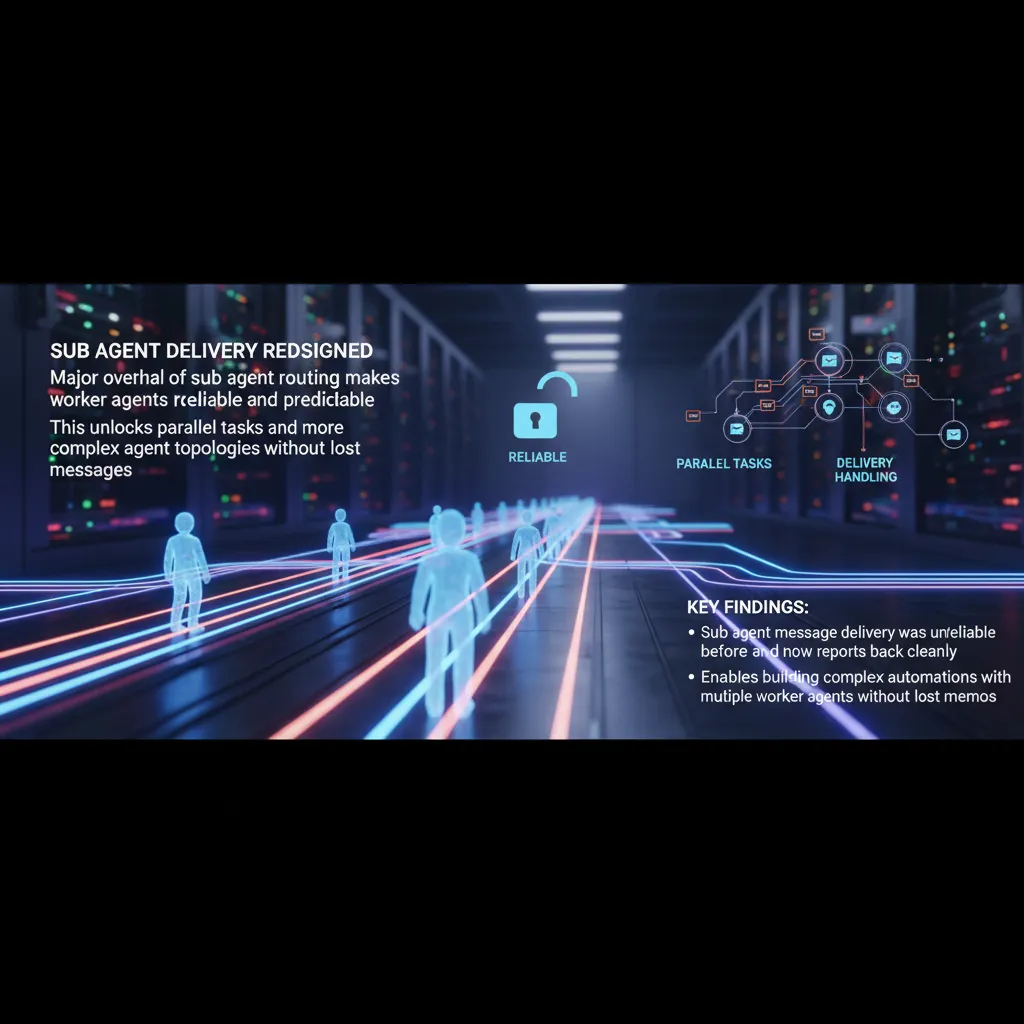
Sub agent delivery redesigned
In OpenClaw 2026.2.25, Sub agent delivery got a complete overhaul, and I’ve felt the difference straight away. A sub agent is simply a small worker bot that the main agent (the “boss”) spins up to handle one discrete job. It does the task, then reports back with the result so the boss can decide what to do next.
What was broken in Delivery Handling
Before this update, Delivery Handling between sub agents and the main agent could be unreliable. Messages could get lost, routing could get confused, and callbacks could be missed. The worst part was that a sub agent might finish perfectly, but the main agent never got the memo—so the whole automation stalled or made the wrong next step.
What the redesign changes
The new delivery path is cleaner, faster, and far more predictable. Sub agents now report back in a way that’s consistent, so the boss agent can reliably collect outputs and continue the workflow without guesswork. In practice, this means fewer “silent failures” and much less time spent adding defensive checks just to confirm a worker replied.
Parallel Tasks without lost memos
This is where it really matters: Parallel Tasks. I can now run one main agent with five or six sub agents, each doing a different job—summarising docs, checking data, drafting responses, or validating steps—and they all report back cleanly. That unlocks more complex agent topologies and serious automations, because you can split work up without fearing that one missing message will break the chain.
- More reliable worker-to-boss reporting
- Less misrouting and fewer missed callbacks
- Safer scaling to multiple sub agents in parallel
If you're building anything serious with OpenClaw, this is probably the most important change in the whole update.
 reaction authentication fixed" />
Slack sessions and reaction authentication fixed
Slack thread fixes and better Delivery Handling
If your team lives in Slack, you’ll know how important threads are for keeping work tidy. In earlier builds, OpenClaw could lose that structure: replies that should have stayed in a thread would jump out into the main channel. That made Delivery Handling messy, because updates appeared in the wrong place and people missed key context.
Replies stay in the right thread. Sessions stay in the right context.
With these Slack thread fixes, replies now remain attached to the original message, and the session context is preserved properly. For teams, this is a real quality of life improvement: less noise in busy channels, fewer “where did that go?” moments, and clearer handovers when multiple people are involved.
Reaction authentication standardised across channels
OpenClaw can also act on emoji reactions, which is handy for quick approvals, triage, or simple workflows. The problem was that Reaction authentication and permission checks were not consistent across platforms. In some cases, permissions could slip through in ways they shouldn’t, depending on where the reaction happened.
Now, reaction permissions are checked the exact same way across every channel. That means consistent behaviour on:
- Slack
- Discord
The result is simpler to reason about and safer to run: a reaction-triggered action should only fire when the user is allowed to do it, regardless of platform.
| Feature | What changed |
|---|---|
| Slack thread session fixes | Thread replies no longer appear in main channels; session context stays intact |
| Reaction authentication | Permission checks standardised across Slack, Discord, WhatsApp, and email |
Security hardening you should actually care about
This is the biggest deal in OpenClaw 2026.2.25. The team didn’t just ship shiny features; they reacted to real scrutiny. OpenClaw has been under the microscope from security researchers, with an academic ARIV paper and coverage in SC Magazine calling out agent safety issues. Earlier builds had risks like open localhost access and prompt injection paths that could turn a small mistake into a serious leak.
Microsoft actually came out and said you should not run OpenClaw on your regular computer.
Security Hardening: safer defaults that stop leaks
The release notes and commentary point to over 40 Security Hardening fixes. The theme is simple: lock things down by default so new installs don’t accidentally broadcast messages, expose files, or ship secrets into logs.
- Credential redaction and encrypted display of API keys, so passwords and tokens don’t show up in logs or chat transcripts.
- Tighter default permissions, so agents start with the minimum access they need.
- Better routing defaults, reducing message leakage and unauthorised deliveries.
Runtime Containment: sandboxing and session isolation
OpenClaw now leans harder into Runtime Containment. Better sandboxing keeps each agent in its own isolated box, limiting what it can touch on the host. On top of that, improved session isolation stops multiple tasks bleeding into each other, which matters when one job handles sensitive data and another is untrusted.
Gateway Authentication and edge protections
I’m also glad to see practical gateway work: Gateway Authentication improvements alongside API rate limiting, webhook protections, and an automatic gateway restart on config changes. Those are the boring controls that actually reduce real-world abuse—especially when agents can reach your messages, files, APIs, and credentials.
Quick setup and sensible defaults I recommend
OpenClaw Configuration: update first, but do it safely
If you’re moving to 2026.2.25, the update itself is straightforward. On a normal install I run openclaw update run. If I’m using containers, I do a docker pull for the image and restart the stack. That’s the easy part. The sensible part is pairing updates with isolation and basic monitoring, so a new build doesn’t land on top of personal files or wide-open credentials.
Isolation and Session Management: keep it off your main machine
First thing, always run it in an isolated environment.
I follow that rule every time: a virtual machine or a container, not my main laptop where my personal accounts live. This also makes Session Management cleaner, because I can reset sessions, wipe volumes, and rotate keys without worrying about what else I might break. If something goes wrong, I can roll back the whole environment in minutes.
Minimum permissions, live-token thinking, and the Auto Updater
Next, I keep credentials tight. I start with the minimum permissions and only add access when I can explain why the agent needs it. I treat agent tokens like live credentials: I monitor usage, set limits where I can, and rotate anything that looks exposed. I also keep the Auto Updater on a short leash—updates are great, but I still check release notes and run a quick test session before I let it touch real workflows.
Finally, I watch the logs and behaviour: what the agent is doing, where messages are going, and whether heartbeat signals and sub-agent actions look normal. If you want help beyond this post, the AI Profit Boardroom walks through automations step by step, and the AI Success Lab includes SOPs plus a 38,000-member community for troubleshooting and ideas.